


How to Book

Quick and Easy Online Bookings

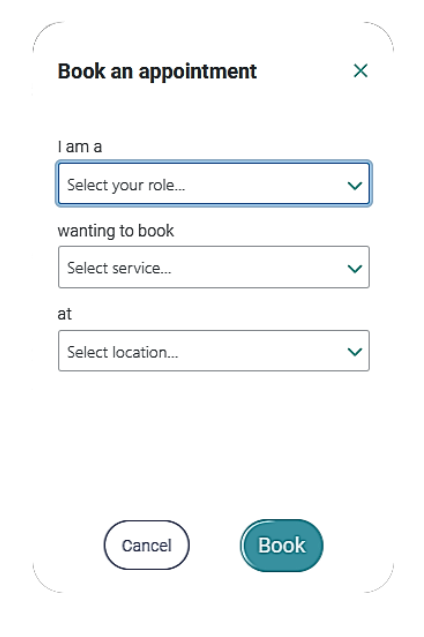
Start Your Booking

Click Book Now on the homepage, or use the Booking tab in the portal if you're a registered facility.

Select Your Options

Choose your role, the service you need, and your location from the dropdown menus.

Complete the Form

Fill in the patient details, upload the referral, and provide NOK/EPOA contact information.

Book Now
Modia Health Booking Wizard - Select your role, service, and locationSimple 3-step booking wizard

Valid Referral Requirements

All appointments require a valid referral. Ensure your referral includes:

Patient Details
  • Full name
  • Date of birth
  • Medicare card number
Doctor Details
  • Full name & provider number
  • Contact details & fax number
  • Clinical indication / reason for scan

Referrals are valid for 12 months from the consultation date.

Our Services

Modia Health sonographer conducting a mobile ultrasound scan

Ultrasound

We perform all ultrasounds.

We do not perform:

Echocardiograms and Ultrasound-guided injections

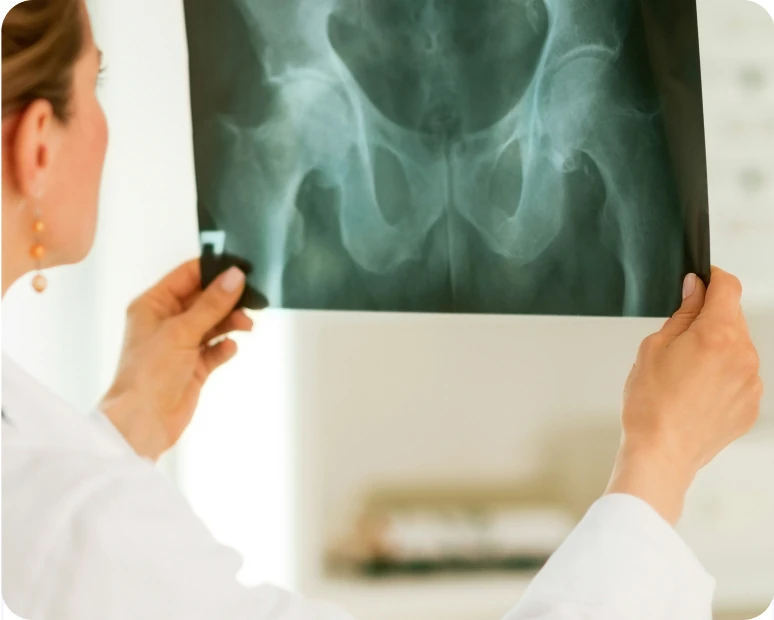
Brisbane's premier mobile X-ray service radiographer

X-Ray

We perform all X-rays.

Limited service:
  • Cervical spine X-rays after trauma (patient usually sent to hospital)
  • Lumbar spine X-rays for BMI over 40 (suboptimal image quality)
Service exclusions:

Dental OPG, CT, MRI, and Bone Density scans

Pricing & Fees

Mobile Imaging

Mobile X-Ray$130
Mobile Ultrasound$150
IV Infusions via CAREPACT$0*
Note: Weekends and public holidays are 2x the above rate for imaging services.
*IV Infusions: Billed directly to CAREPACT โ€” no out-of-pocket cost.

Medicare Bulk Billing

With a valid referral, the scan itself is bulk billed. The service fee covers the mobile technician's visit and travel.

What's Included

Qualified professionals, state-of-the-art equipment, travel to location, full setup/cleanup, and professional radiologist report.

DVA Gold Card Holders

If the resident has a DVA gold card, we can bill DVA directly for them.

CAREPACT Referred Scans

If the scan is referred by CAREPACT, the fees are covered.

CAREPACT Preferred Provider of IV Infusions

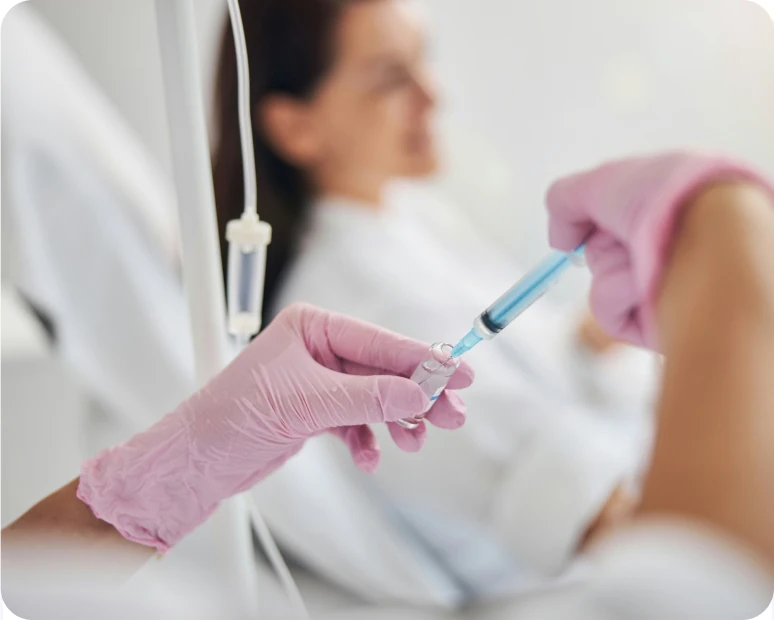
Providing on-site IV Iron infusions

IV infusion therapy

IV Infusions via CAREPACT

1

Aged care facility books through Modia Health Portal

2

Request relayed to CAREPACT for approval

3

Modia Health performs the infusion

Track your infusion requests from scheduling to completion through the Modia Health Portal.
Service Areas

We Service These Health Regions

Metro SouthSelect areas in West MoretonSelect areas in Metro North

We provide mobile healthcare services to over 150+ aged care facilities across Greater Brisbane and surrounding regions.

Not sure if we service your area? Contact us to check availability.

View All Locations

Communication Methods

Phone

1300 600 039

Best for urgent enquiries and booking changes

Email

[email protected]

For general enquiries and documentation

Fax

(07) 2140 6038

For sending referrals and documentation

Portal Messaging

Direct to patient file

Communicate about specific patients through the portal

Portal Overview

Your Dashboard at a Glance

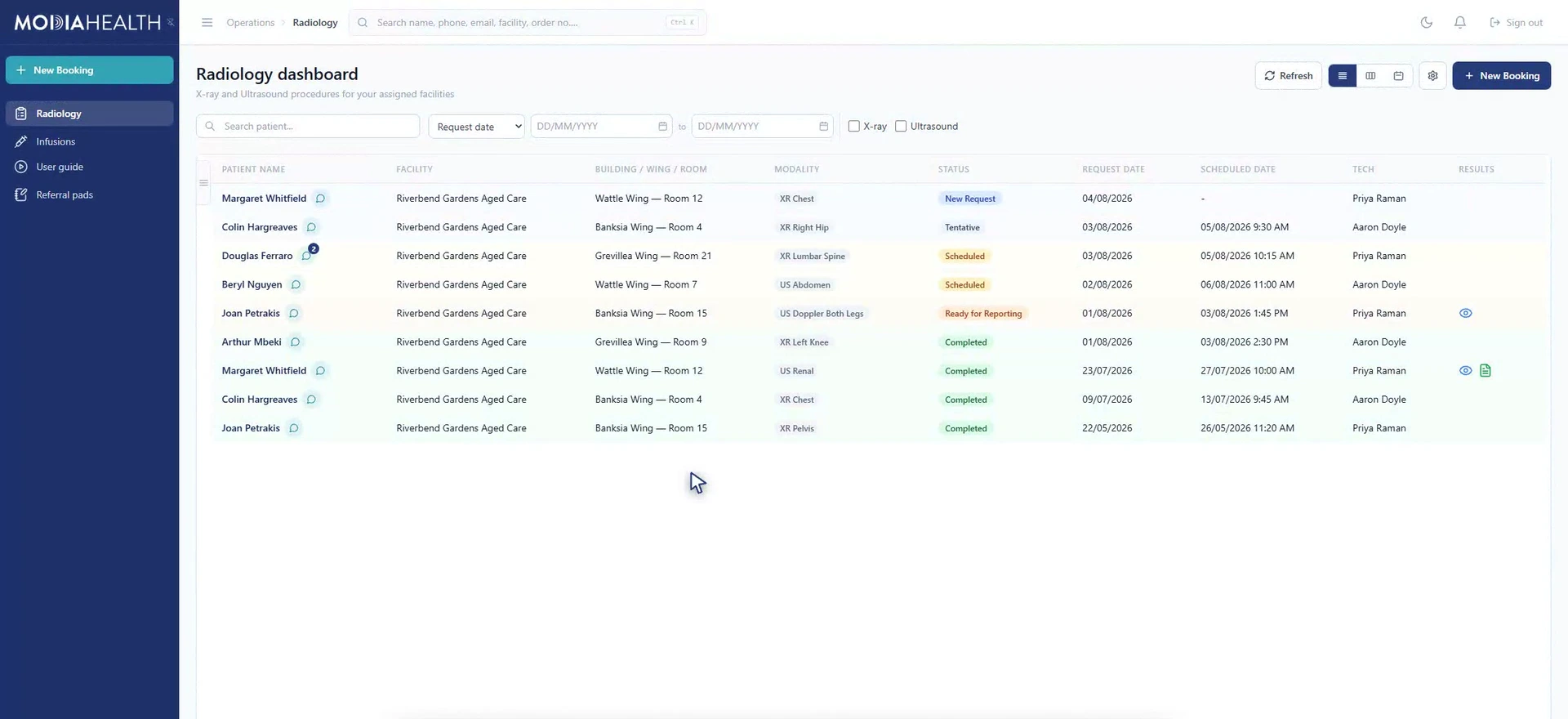
The Modia Health Portal gives you full visibility of all procedures from request to completion.

Modia Health Portal DashboardPortal Preview - Click to expand
Portal Setup Guide for RACFs

Learn how to navigate and use the Modia Health Portal

All Procedures

View all requested, scheduled, and completed procedures

Status Tracking

Track status: New Request โ†’ Scheduled โ†’ Completed

Direct Communication

Communicate directly with the Modia team through the portal

Report Access

Access images and reports when ready

How to Use the Portal

1

Accept Email Invitation

You'll receive an invitation email. Click "Accept Invitation" and complete the short onboarding process.

2

View Your Dashboard

See all procedures in a spreadsheet-like layout with resident name, procedure type, status, and dates.

3

Book New Procedures

Click "Book Radiology" in the top menu to submit new scan requests directly through the portal.

4

Communicate with Us

Write directly into the patient file to send us information about specific patients.

5

Access Results

When reports are ready, click the link in the portal to view images and download reports.

Quick Tips

Bookmark the Portal

Save the portal URL for quick, one-click access

Create Desktop Shortcut

Drag the bookmark to your desktop for instant access

Free Staff Training

Earn CPD hours at learn.modiahealth.com.au

Response Time Expectations

Booking Requests

Scheduled Within 24 hours

We respond to all booking requests within 2 - 24 hours

Same Day Scans

Via CAREPACT

Same day scans are reserved for CAREPACT. Special requests may be accommodated if we have capacity.

Reports

24-48 hours

Professional radiologist reports delivered within 24-48 hours of the scan

Scan completion

1-3 Business Days

Scans are completed within 1-3 business days of booking confirmation

Patient Preparation Summary

Ultrasound Preparation

Abdominal & Leg Arteries

Fast for 6 hours (water, black tea/coffee, and medications are OK)

Pelvic, Renal & KUB

Full bladder required - drink 600ml-1L water, finishing 1 hour before scan

Other Ultrasounds

No preparation needed for breast, thyroid, MSK, vascular scans

X-Ray Preparation

No Fasting Required

Eat and drink normally before your appointment

Remove Metal Objects

Jewelry, keys, coins, phones, belts, bras with metal underwire

Wear Loose Clothing

Avoid metal fasteners if possible

How Do We Send Results?

Email Notification

You'll receive an email with a link to view images and download the report

๐Ÿ“ 

Faxed to Your Doctor and Facility

Reports are faxed directly to your referring doctor's practice and your facility

๐Ÿ’ป

eDelivery

Sent electronically to your GP if they are set up for electronic results

๐Ÿ–ฅ๏ธ

Portal Access

For facilities: access reports through the portal when the "Report Ready" indicator shows "Yes"

Report Turnaround: Professional radiologist reports are typically available within 24-48 hours of your scan.
